

Digital Probate Introduction
What exactly is “Digital Probate?” After someone dies, a particular kind of silence enters a home. If you haven’t experienced it, you certainly will if you live long enough.
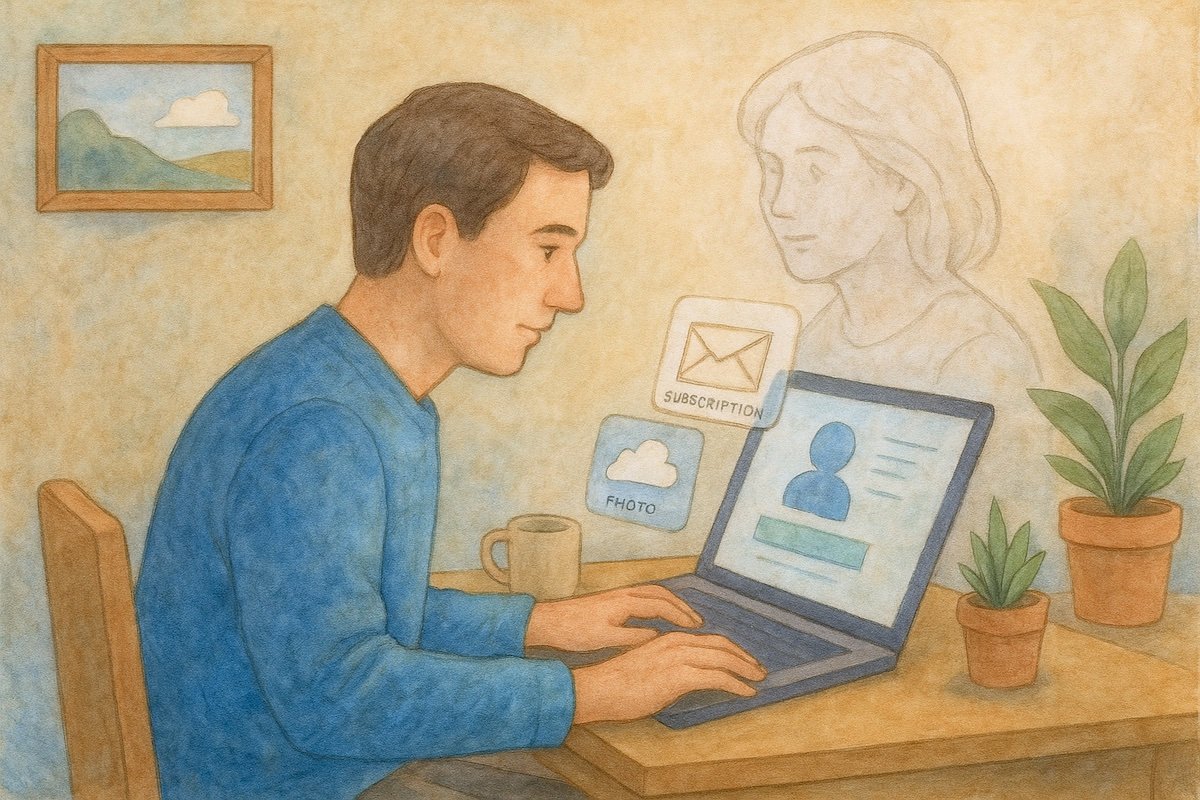
In that space, you feel the absence of their voice and the absence of clarity. You face the challenge of a phone you can’t unlock, a laptop requesting a password you don’t have, and a cloud subscription attempting to auto-renew via a frozen bank account. And then there’s the birthday reminder that pops up on a locked screen with cruel neutrality.
In 2025, grief is simultaneously emotional and administrative. Most families are unprepared for it. They look for physical documents in a filing cabinet, unaware that a server in Virginia or Dublin holds the actual map of the deceased’s life.
This guide goes beyond estate law or legal forms. It sheds light on Digital Probate—searching as an act of care. It is a methodology for closing loops, recovering lost memories, and preventing the small, bureaucratic heartbreaks that occur when a digital life is left untended.
This article about navigating the ghost in the machine is Pillar II in our Investigative Living series.
In Pillar I, we explored Supply Chain Research: How to Trace the Origins of Products You Buy
Phase I: The Master Key (The Email Audit)
If you have lawful access to the deceased’s primary email (via a password manager or legacy contact status), you do not just have an inbox. You could have the index of their entire life.
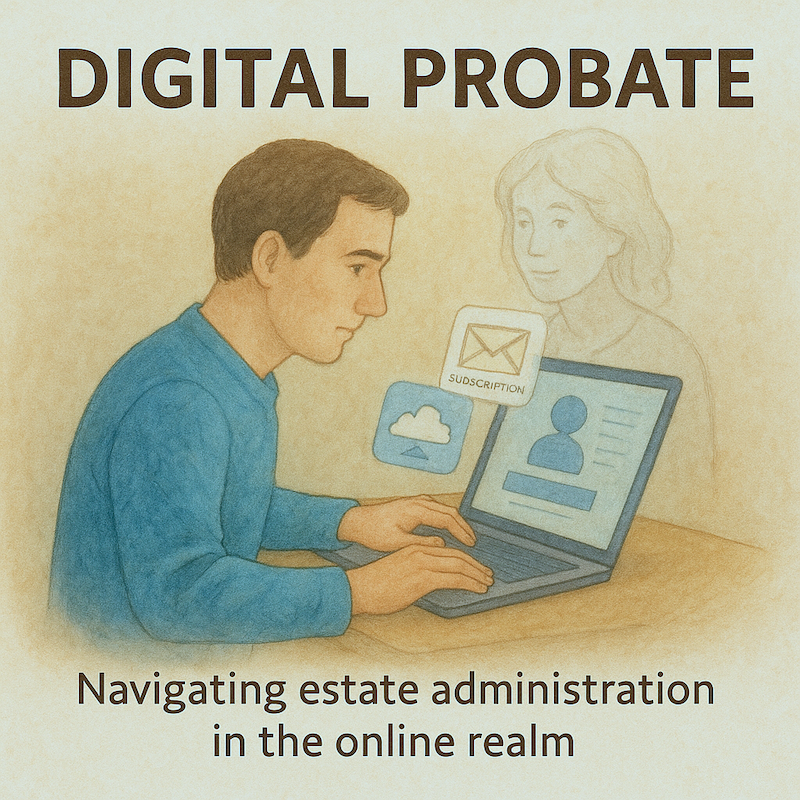
Most people mistakenly try to read correspondence, but you are not looking for letters; you are looking for signals. You are looking for the automated “handshakes” between services that reveal hidden assets, debts, and memories.
I use these specific search operators to build a map of their digital footprint.
The “Entry” Search
To find every platform they ever registered with, I don’t browse folders. I search for the robotic welcome mat.
- subject: “verify your account”
- subject: “confirm your email”
- from:no-reply “welcome”
What this could reveal: the dating app they deleted but never canceled, the crypto wallet they registered three years ago, the niche forum where they discussed their hobbies.
The “Liability” Search
To stop the estate from bleeding money, I search for the money trail.
- subject: “receipt” OR “invoice” OR “payment processed”
- subject: “renewal” AND “upcoming”
What this could reveal: The $99/year software subscription, the streaming service no one uses, and potentially, insurance policies or utility bills that are delivered electronically.
The “Crisis” Search
- subject: “password reset”
What this could reveal: High-priority accounts. If they recently reset a password, it means they were using that service. It differentiates a dormant account from an active one.
Phase II: The Shadow Graph (Username Enumeration)
We are rarely the same person in every room. The “Nathan” you knew as a father might be “NSmith85” on a fishing forum or “GlitchRunner” on Reddit.
Once you identify a core username (often the part of their email address before the @), you can use Open Source Intelligence (OSINT) tools to see where else that name exists.
The Tool: WhatsMyName.app or Namechk.
The Workflow: Enter the username. These tools query hundreds of platforms instantly.
Why do this?
- Asset Recovery: You might find a PayPal or Venmo account you didn’t know existed.
- Memory Recovery: You might find a Pinterest board of their unfulfilled dreams, a Flickr account of photos from a trip you forgot, or a Reddit history where they offered kindness to strangers.
Note: The goal is integration, not surveillance—assembling a fuller, richer picture of the deceased.



Phase III: Internet Archaeology (Recovering the Lost)
One of the most painful aspects of digital grief is “Link Rot”—clicking a bookmark for their old blog or business website and seeing a 404 Not Found error because the hosting fees lapsed.
Families often assume these words and photos are gone forever. Usually, they are not.
The Tool: The Wayback Machine (Internet Archive).
The Workflow:
- Paste the URL of the dead link or old blog.
- If the website was indexed and stored, browse the timeline. Click on a date from two or three years ago (look for blue circles).
- The Retrieval: You can often view, screenshot, and save entire pages of their writing, their portfolio, or their “About Me” page exactly as it appeared when they were alive.
Families have recovered wedding speeches, personal essays, and entire photo galleries this way. It transforms a “broken link” into a permanent archive.
Phase IV: The Takedown (Closing the Loops)
Once you have built the map, you must decide what to shut down and what to keep. Do not rush this. The internet is patient.
However, there is a hierarchy of closure.
1. Financial Defense (Immediate)
Use the list generated in Phase I to cancel recurring charges. If you cannot access the accounts, contact the bank to issue a stop payment on the card itself.
2. The “Digital Ghost” Prevention (Social Media)
Leaving a social media profile active without supervision is risky. Hackers can target it, or algorithms may cruelly suggest the deceased to friends as “Someone you may know.”
- Facebook & Instagram: Do not just log in and post. Submit a Memorialization Request. That locks the profile, prevents login (stopping hackers), and adds the word “Remembering” to their name. It turns a profile into a plaque.
- LinkedIn: Submit a Deceased Member Report. A professional profile for someone who has passed can cause confusion and professional awkwardness; it is best removed or memorialized promptly.
3. The Email (Last)
Keep the email active for at least 12 months. It is the recovery mechanism for everything else. If you close the email too soon, you lock yourself out of every other account that sends 2-factor authentication codes to it.
Phase V: The Lesson for the Living
Performing digital probate changes you. It forces you to look at your own digital life not as a stream of content, but as an estate. It poses a crucial question: If I weren’t here tomorrow, would my family find clarity or chaos?
The “In Case of Emergency” Protocol:
- Apple: Set up a Legacy Contact. This generates a special access key. If you die, your contact presents this key and a death certificate to Apple, and they legally grant access to your photos and messages.
- Google: Activate Inactive Account Manager. You can tell Google: “If I don’t log in for 3 months, email my photos to my spouse and delete my search history.”
- Password Manager: Keep a physical master key. Write the master password to your password manager on a piece of paper. Seal it in an envelope. Put it in your fireproof box with your will.
Conclusion: Searching as an Act of Love
Digital probate is care work, not detective work. It is the final administrative kindness we offer to the people we love. It is the work of gathering the scattered pieces of their identity—the photos, the words, the accounts—and placing them into a context that honors who they were.
In the end, we are not searching for data; we are searching for them. And by bringing order to their digital chaos, we help them rest, and we allow ourselves to remember.
The Digital Probate Resource List
Tools for Discovery & Recovery:
- WhatsMyName.app: The best free tool for finding where a specific username is registered across the web.
- The Wayback Machine (archive.org): Essential for recovering deleted websites, blogs, and broken links.
- MissingMoney.com (NAUPA): The official database for searching unclaimed property (forgotten bank accounts, uncashed checks) held by state governments.